
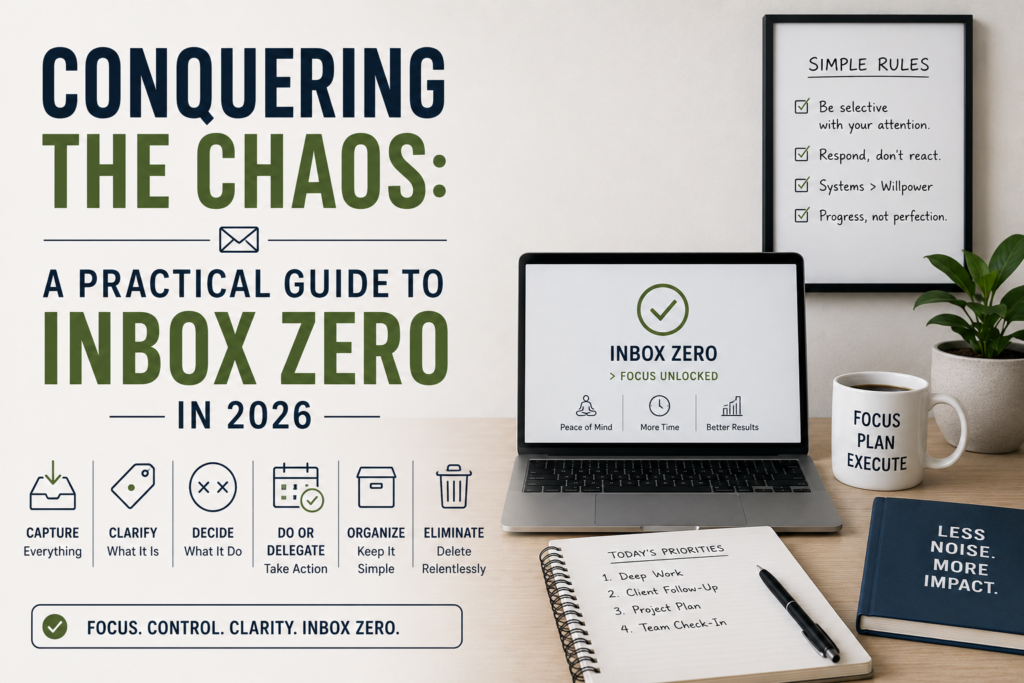
Ever feel like your email inbox is a digital black hole? That feeling of dread when you open it, only to be confronted by a mountain of unread messages? You’re not alone.
In 2026, with the constant ping of notifications and the endless flow of information, managing your inbox is a critical skill. It’s not just about organization; it’s about reclaiming your time, reducing stress, and boosting your productivity.
I’ve personally battled the inbox beast for years, and trust me, I’ve tried everything – from complex filtering systems to letting it all burn. This guide is my battle-tested approach to achieving and, more importantly, maintaining Inbox Zero.
Why Inbox Zero Matters in 2026 (and Beyond)
Before we dive into the how, let’s talk about the why. You might be thinking, “Inbox Zero? Sounds like a lot of work.” But the payoff is huge. Consider this: your inbox is a constant source of mental clutter.
Every unread email, every lingering task, creates a low-level anxiety that saps your focus and energy. In a world where distractions are the norm, this is a dangerous game. Here’s what Inbox Zero can do for you:
- Reduced Stress: Knowing your inbox is under control significantly lowers your stress levels. No more feeling overwhelmed!
- Increased Productivity: A clear inbox means you can focus on the tasks that matter, without constant interruptions.
- Better Decision-Making: Less mental clutter allows you to think more clearly and make better decisions.
- Improved Work-Life Balance: By managing your inbox effectively, you can reclaim your evenings and weekends.
The core concept of Inbox Zero isn’t about emptying your inbox every second of every day. It’s about designing a system that allows you to process your email efficiently and make informed decisions about each message.
The Inbox Zero System: A Step-by-Step Guide
This isn’t about just deleting everything (although, sometimes, that’s tempting!). This is about a system that brings order to the chaos. Here’s how to do it, step by step.
Step 1: The Initial Purge (Be Ruthless!)
This is where most people get tripped up. It feels brutal to delete emails, but it’s essential for a fresh start. You need to clear out the junk, the old newsletters you never read, and anything that’s no longer relevant.
My Mistake: In my early attempts, I’d archive everything. Then I’d be buried in a sea of archived emails, which was just as bad as having a full inbox.
How to do it:
- Set a time limit: Give yourself 30 minutes to an hour (depending on how bad it is).
- Sort by sender: This lets you quickly identify newsletters, marketing emails, and other bulk mail.
- Unsubscribe aggressively: If you’re not reading it, unsubscribe. No regrets!
- Delete ruthlessly: Anything older than a few months that’s not critical? Delete it.
This initial purge is the hardest part. But once it’s done, you’ll feel a massive weight lifted.
Step 2: The Five Actions (The Core of Inbox Zero)
This is where the magic happens. Every email you see from here on out gets one of these five actions:
- Delete: Get rid of it. If it’s not important, it’s gone.
- Archive: For emails you might need to reference later (receipts, important confirmations, etc.). Don’t let archiving become a dumping ground.
- Delegate: If the email requires action from someone else, forward it and get it off your plate.
- Respond: If the email requires a short response (less than 2-3 minutes), do it immediately.
- Defer: If the email requires a longer response or a specific action, add it to your to-do list or calendar.
Real-Life Tip: I use a simple to-do list app (like Todoist or Microsoft To Do) to manage my deferred tasks. Each morning, I review my list and schedule the tasks for the day.
Step 3: Setting Up Filters and Automation
Once you’re in the flow, setting up filters and automation will save you tons of time. This helps to reduce the number of emails you actually have to “touch.”
Avoid this Mistake: I used to overcomplicate my filters. I had so many rules that I spent more time managing the filters than managing my email.
Here’s what works:
- Create filters for newsletters and notifications: Route these directly to an archive folder, so you can review them in bulk later.
- Use “unsubscribe” buttons: Constantly unsubscribe from lists you don’t need.
- Consider a dedicated email address: For signing up for websites and services. This keeps your primary inbox cleaner.
Step 4: Scheduling Email Processing Time (The Routine)
Inbox Zero isn’t a one-time thing. It’s a habit. You need to schedule time to process your email regularly.
My Experiment: I tried processing my email first thing in the morning. Then I tried doing it at the end of the day. Neither worked perfectly.
What works for me:
- Process email twice a day: Once in the mid-morning and once in the late afternoon. This gives me time to focus on deep work in the morning and respond to urgent emails in the afternoon.
- Set specific time limits: 30 minutes per session, max. This forces me to be efficient.
- Turn off notifications: During focus time, turn off all email notifications. The constant pings are a productivity killer.
Step 5: Maintaining Inbox Zero: It’s Not a Sprint, It’s a Marathon
The key to long-term success is consistency. Don’t let your inbox get out of control again.
Common Pitfall: I used to slack off on the weekends. Then Monday morning, I’d be buried.
Here’s how to stay on track:
- Process email every day: Even if it’s just for 15 minutes.
- Review your filters and automation regularly: Are they still working? Do you need to update them?
- Be proactive: Don’t let your inbox become a dumping ground for unfinished tasks.
- Adjust as needed: Your system might need tweaking over time. That’s okay.
Common Mistakes to Avoid
Here are some of the most common mistakes people make when trying to achieve Inbox Zero:
- Procrastinating on deleting: Don’t be afraid to delete.
- Treating your inbox as a to-do list: Use a dedicated to-do list app.
- Over-filtering: Keep it simple. Too many filters = more work.
- Ignoring the system: Consistency is key!
- Not reviewing your system: Make sure your approach is still working for you.
The Future-Proofing Aspect: Adapting to Change
The digital world is constantly evolving. In 2026, we’re seeing even more sophisticated spam filters, AI-powered email assistants, and the rise of collaborative communication tools. Here’s how to adapt:
- Embrace AI: Experiment with AI-powered email tools that can help you prioritize, summarize, and even draft responses.
- Focus on quality, not quantity: Be mindful of who you’re emailing and why.
- Learn to use collaborative tools effectively: Use Slack, Microsoft Teams, or other tools for internal communication, reducing email clutter.
- Stay informed: Keep up-to-date with new email trends and technologies. Check out Guidebloom for useful resources.
The best email systems are those that can be adapted to evolving tech. Being able to adapt is one of the most critical skills needed to future-proof your career.
FAQ: Your Burning Inbox Zero Questions Answered
Here are some of the most frequently asked questions about Inbox Zero, along with practical, experience-based answers:
- How long does it take to achieve Inbox Zero? It depends on how full your inbox is. For most people, it takes a few hours of focused effort initially. Maintaining it is a daily habit.
- What if I’m afraid of missing important emails? Use filters and automation to highlight important emails from specific senders. Regularly check your “important” folders.
- Do I have to delete everything? No! Archive what you might need later. Delete what you don’t.
- How do I handle emails that require a lot of time to respond to? Defer them. Add them to your to-do list and schedule time to work on them.
- Is Inbox Zero a good idea for all types of jobs? Yes! It’s about managing information effectively. If you receive emails, it’s beneficial.
- What if I can’t keep up with Inbox Zero? Start small. Pick one day a week and commit to the process. Then, gradually increase the frequency.
- What are the best email apps for achieving Inbox Zero? The best app is the one you already use and like! Gmail, Outlook, and other email providers have all the tools you need.
- Does Inbox Zero apply to my personal email? Absolutely! The same principles apply to personal and professional inboxes.
Final Thoughts: Reclaim Your Time and Sanity
Inbox Zero isn’t about perfection. It’s about control. It’s about building a system that allows you to manage your email efficiently, reduce stress, and reclaim your time and energy.
It takes effort, but the benefits are undeniable. By following these steps and adapting to the changing digital landscape, you can conquer the chaos and achieve a clear, manageable inbox. Start today, and you’ll be amazed at the difference it makes in your productivity and overall well-being. Good luck – you’ve got this!